Download a biodata in Word format
Press a button to save the .docx file. It opens in Microsoft Word, Google Docs, WPS Office, or Word on a phone. Every template is free.
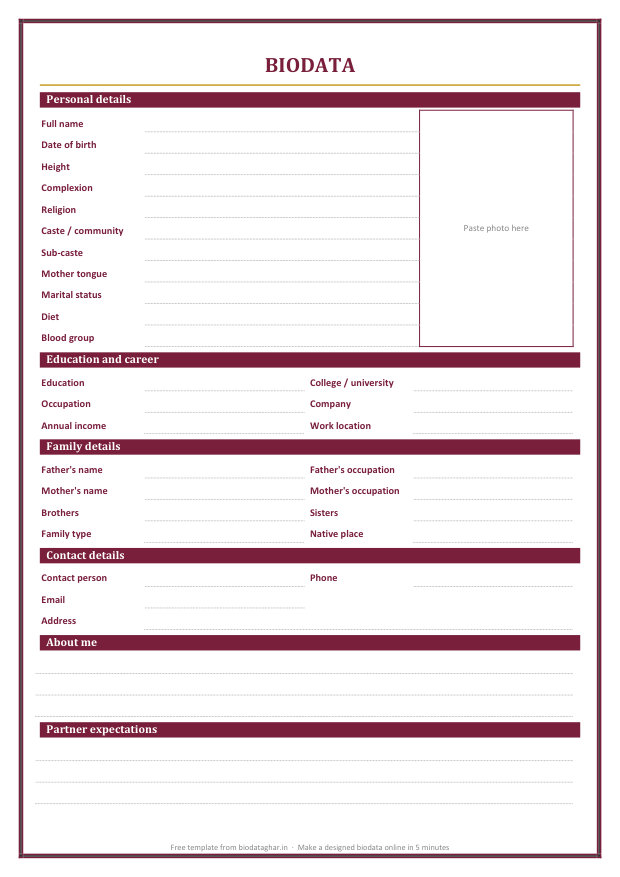
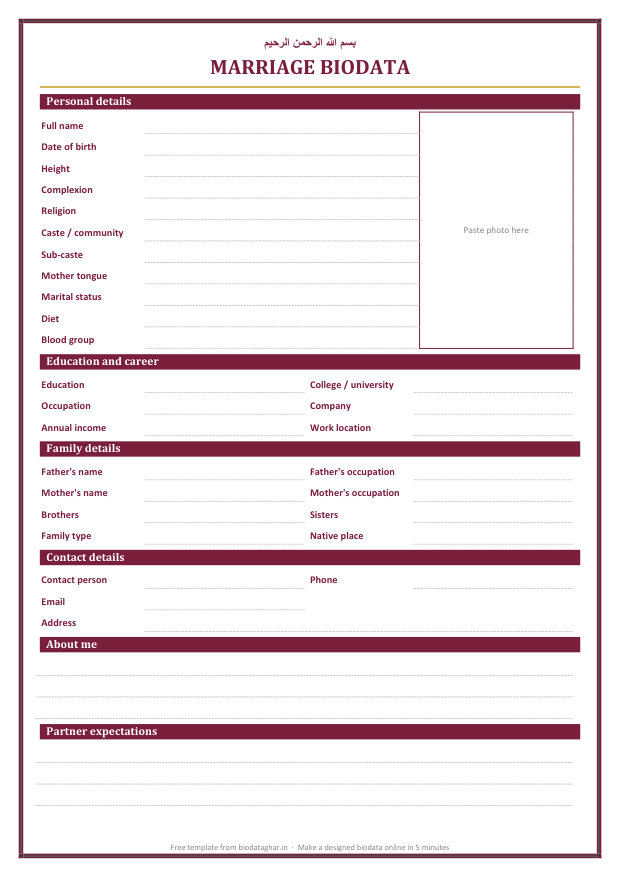
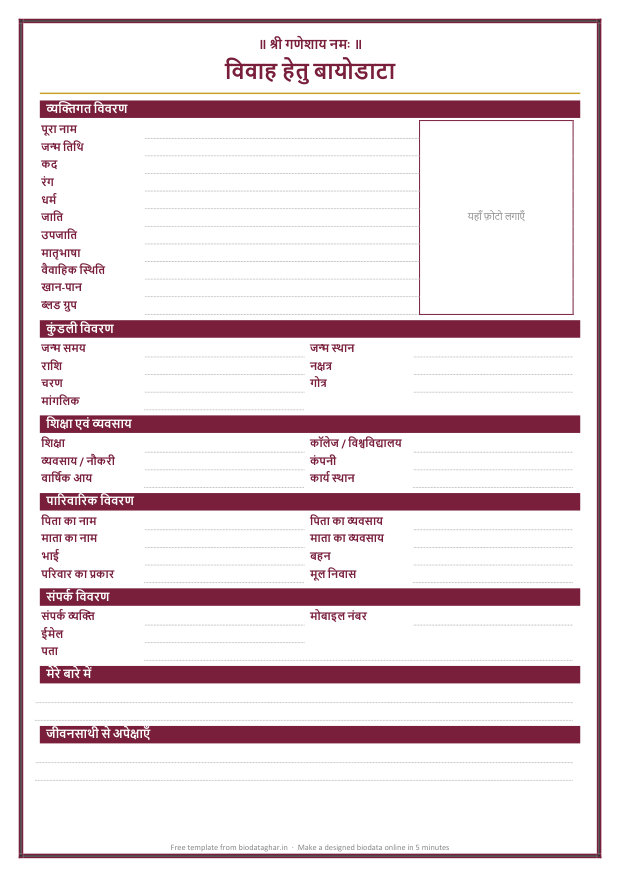
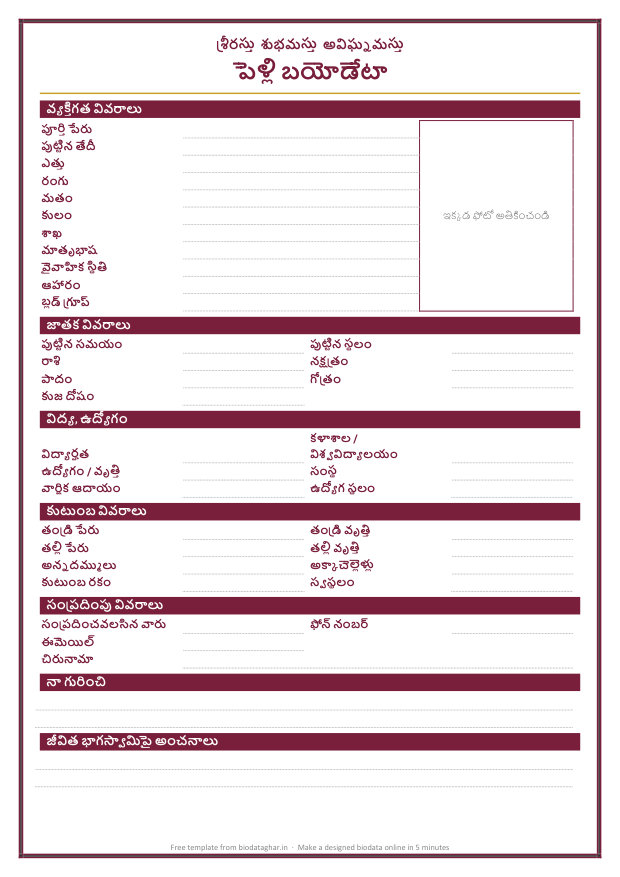
How to fill in the Word template
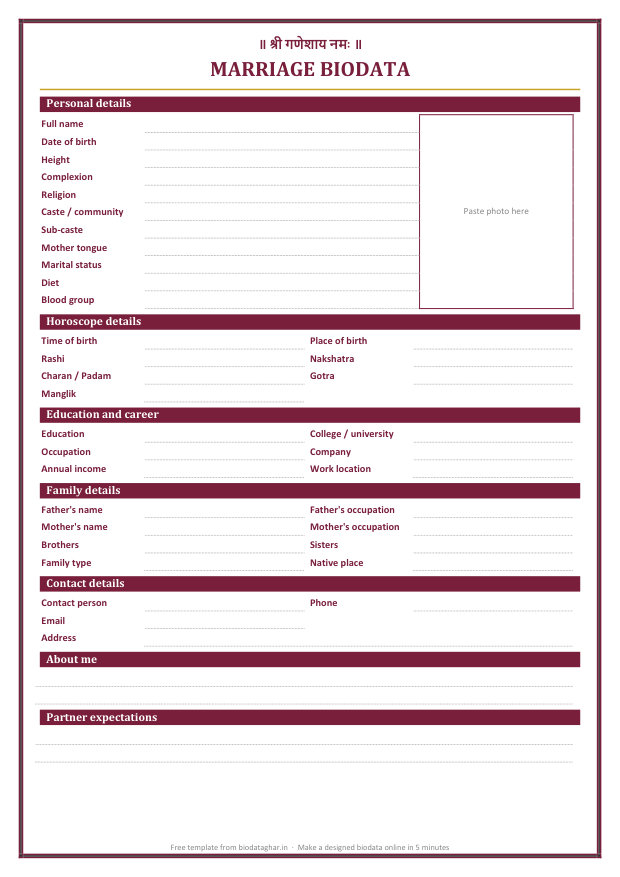
- Open the file and type each detail on the dotted line beside it.
- Photo: click inside the photo box, delete the words, then choose Insert > Pictures. Drag a corner of the photo to fit the box.
- Delete any row you do not need, or type over a label to change it.
- Save it, or choose File > Save as > PDF to send a copy nobody can change by accident.
The Hindi and Telugu templates use the Nirmala UI font, which comes with Windows. On a phone or a Mac the letters show in the device's own Hindi or Telugu font.
Or make a designed biodata online
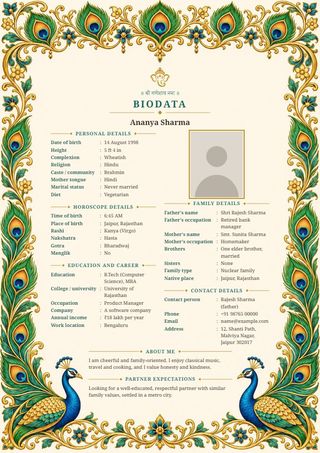
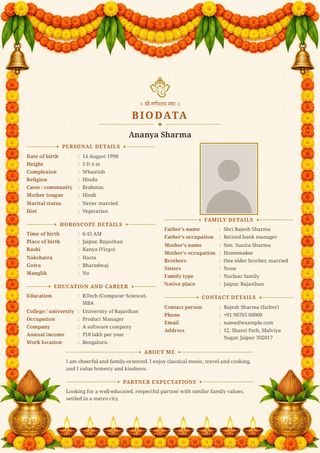
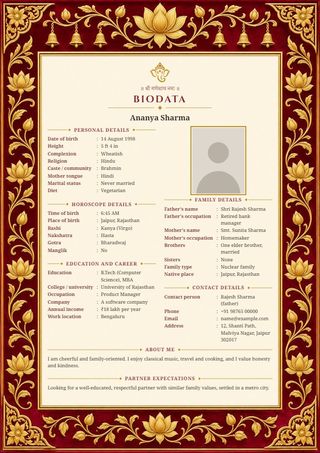
A Word file is plain. The form below makes a finished biodata with a decorative border, your photo already placed and the text fitted to one page. Pick one of 64 designs and send it on WhatsApp as an image, or save it as a PDF. Nothing you type leaves your phone.
Word template or the online maker?
- Word template: best if you work on a computer and want to change the layout yourself.
- Online maker: best on a phone. No file to open, the photo fits by itself, and the biodata looks the same on every phone it is forwarded to.
Questions
Are these Word templates free?
Yes. Download and use them as often as you like, with no sign-up. The small line at the foot of the page can be deleted.
Can I open the .docx file on my phone?
Yes, in the free Microsoft Word, Google Docs or WPS Office app. Typing on a phone is easier in the online maker above, though.
The biodata goes onto a second page. What do I do?
Shorten the "About me" and "Partner expectations" lines, or delete rows you do not need. A biodata reads best on one page.
Which template should I use?
Hindu and Jain families usually include horoscope details, so use the Hindu, Hindi or Telugu template. For a nikah biodata, use the Muslim template. The simple one suits everyone else.